
The practical challenges of iOS augmented reality and how to plan for them
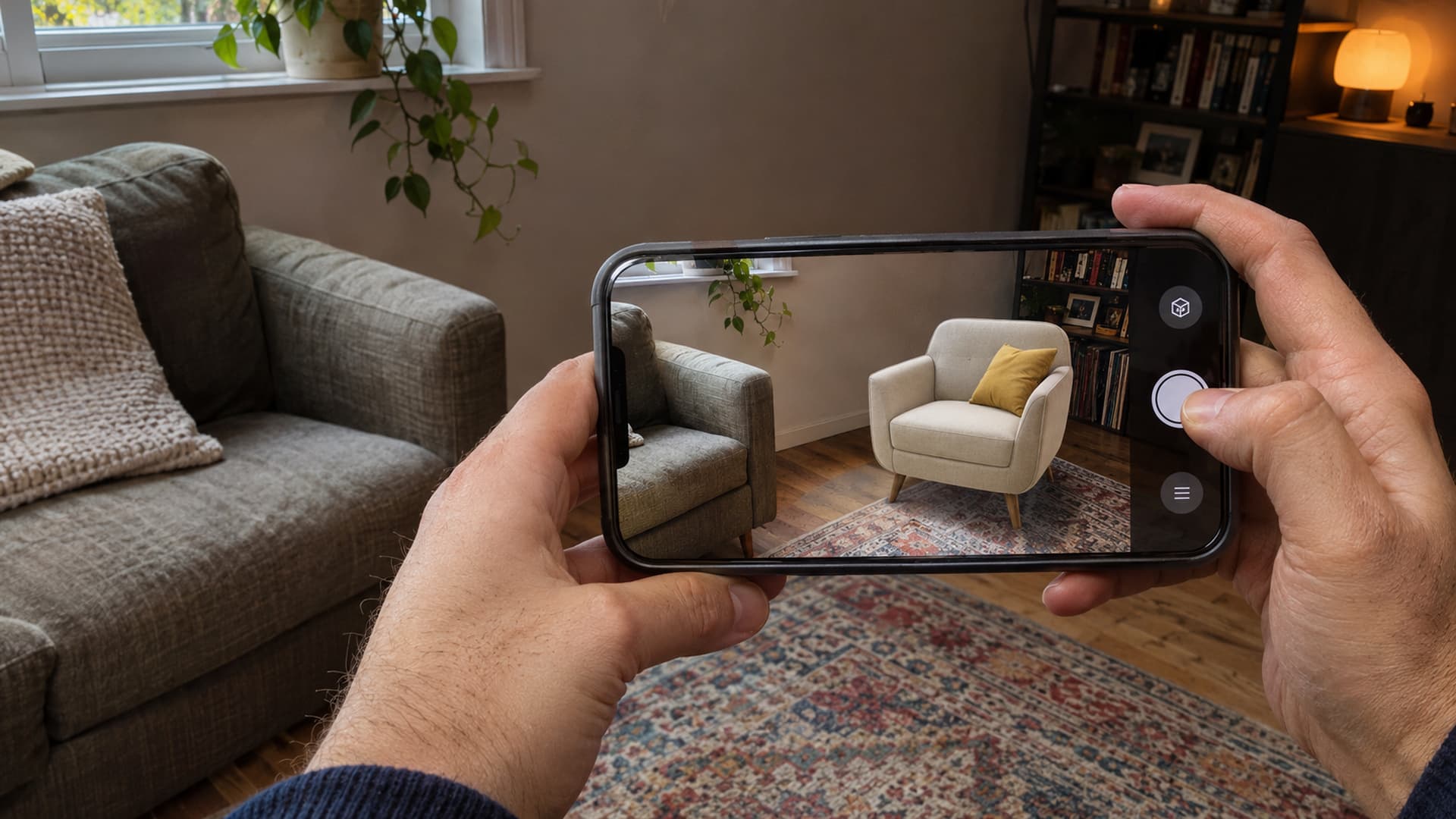
A convincing augmented reality demonstration can make a virtual object appear to sit naturally in a room. The real test comes when someone opens the same experience at home, in a busy venue or beside a piece of equipment. Lighting changes, devices differ, connections slow down and the user may not know where to point the camera.
These are not reasons to avoid iOS augmented reality. They are reasons to design for the conditions in which people will actually use it. A successful project accounts for the device, the environment, the quality of the digital content and the action the user needs to complete. It also explains what happens when the camera cannot establish a reliable view of the space.
For South African businesses, education providers and event teams, the most useful starting point is to treat AR as a service as well as a visual feature. The experience needs to be discoverable, understandable and maintainable after launch. Here are the challenges that deserve attention before committing to a build.
How iOS AR understands a space
On a supported iPhone or iPad, an AR experience uses the camera and motion information to relate the device's position to the surrounding environment. Apple's ARKit provides tools for this relationship, commonly called world tracking. The application can then position digital content relative to the user's view rather than simply displaying a video on top of the screen.
Apple's world tracking overview explains that tracking quality can vary and that applications can communicate limited tracking to users. This matters because a virtual object that appears stable in one room can move or become difficult to place in another if the system has insufficient information about the surroundings.
The distinction between an AR feature and an ordinary 3D viewer is important. A 3D viewer lets someone rotate a model on a screen. AR adds the relationship between that model and the physical environment. Both can be useful, and a 3D view can be a practical alternative when a user cannot or does not want to use the camera.
Challenge one: devices do not all have the same capabilities
iPhone and iPad models vary in age, sensors, processing power, screen size, operating system support and available storage. Some models include a LiDAR scanner; others do not. A feature that relies on a particular sensor or software version cannot be assumed to work across the entire audience.
For example, Apple's RoomPlan documentation describes an API that uses the camera and LiDAR scanner to create a representation of a room. That is a specific capability with hardware and software requirements, not a promise that every iPhone can scan a room or that any scan is a construction-ready survey.
The practical response is to define a supported device range at the beginning. List the features that are essential and those that improve the experience when available. Then agree on the alternative for someone whose device lacks a feature: perhaps a simpler placement experience, a 3D model on a webpage or conventional product images.
For a training programme with company-owned tablets, the organisation may be able to standardise devices. For a public campaign, the team has less control. Testing must reflect the expected audience rather than only the newest device in the development studio. Ask for a written device and operating system test matrix, and review it before major design decisions become expensive to reverse.
Challenge two: lighting and surfaces affect tracking
AR tracking needs useful visual information. A dim room, a blank wall, a glossy floor or a rapidly moving camera can make the environment harder to interpret. Apple's discussion of tracking limitations describes low light and other physical factors that can limit world tracking.
A product display may be photographed under ideal light but later used in a lounge at night. A museum experience may be planned for a dramatic, dark gallery. An event activation may face a reflective exhibition stand and moving crowds. Each setting can change how confidently the system positions digital content.
The design should respond when tracking is limited. Instead of letting an object drift without explanation, the interface can guide the user towards a better-lit area, suggest moving the device slowly, or offer a way to restart placement. Instructions should be short and appear when they are useful. A long tutorial before the camera opens can be forgotten before the user needs it.
Test in the intended setting early. For an event, visit the venue or recreate its lighting and surfaces as closely as possible. For a public product experience, test in several ordinary rooms, including one with limited space. A controlled demonstration remains useful, but it is not a substitute for testing where the experience will be used.
Challenge three: scale and placement need honest expectations
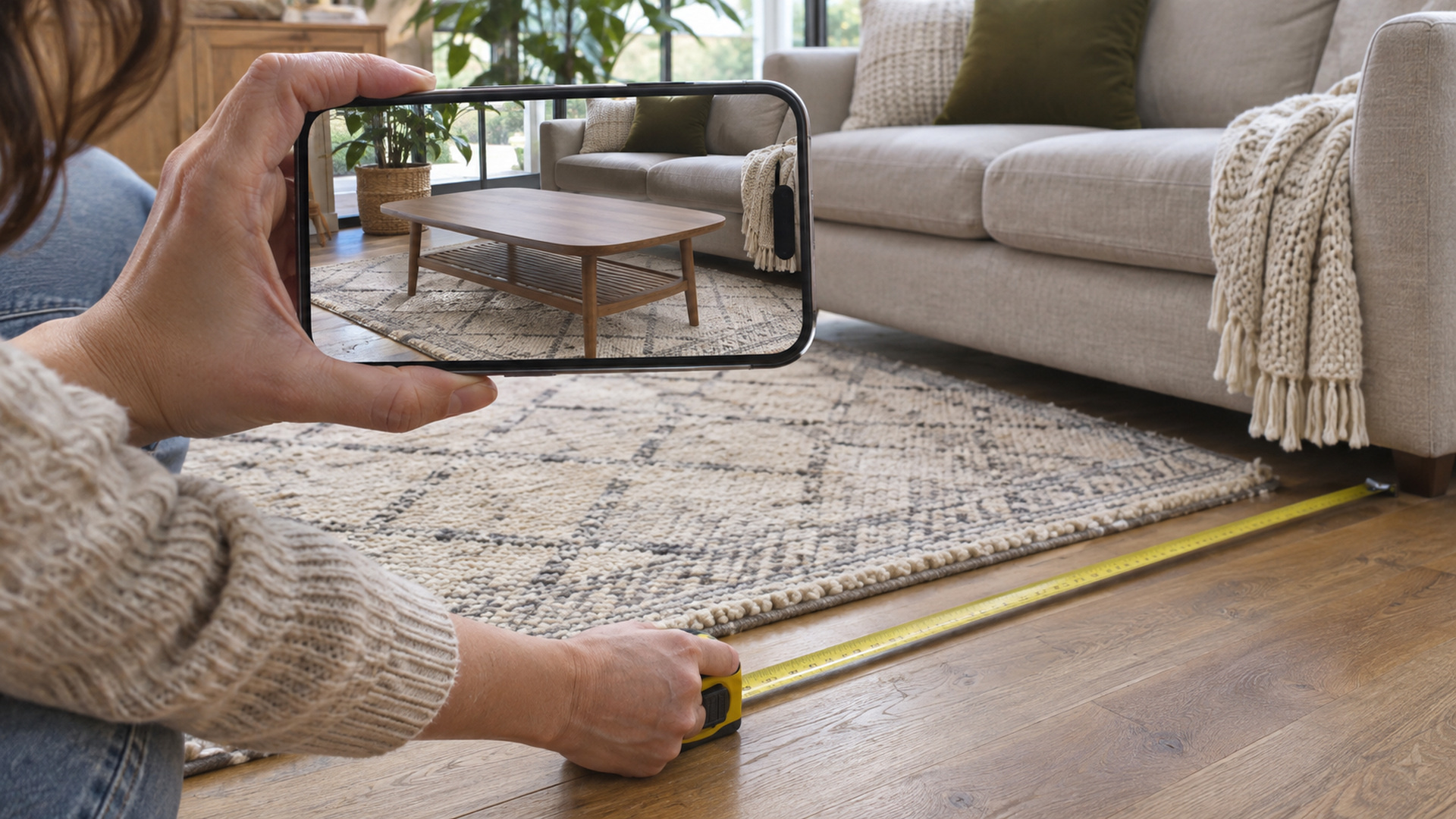
A virtual dining table is only useful for a buying decision if its size and position make sense alongside real furniture. A model that can be freely resized may look attractive but create the wrong impression of whether it fits. Apple's AR design guidance points out that arbitrary scaling can undermine furniture visualisation.
Start with reliable product dimensions and a correctly scaled 3D asset. Agree whether users can resize the model, rotate it or move it between surfaces. If resizing is allowed for an educational or creative purpose, make the difference clear. If the purpose is a purchasing decision, preserve realistic proportions and offer the actual measurements alongside the visualisation.
Even with good content and tracking, an AR preview is an aid to judgement rather than a guarantee of fit. Doorways, delivery access, installation clearances and small measurement errors may remain outside the view. Give customers a straightforward way to check the physical dimensions and consult the supplier before ordering.
The same principle applies to industrial and educational content. A virtual indicator aligned with a machine part can clarify a lesson, but its apparent position must not be treated as a substitute for isolation procedures, supervision or manufacturer instructions. Decide which information is authoritative and how it will be kept current.
Challenge four: digital assets can be heavy or inaccurate
An AR application needs more than an attractive model. Geometry, textures, materials, animations and file size all affect whether the asset looks convincing and runs comfortably on a mobile device. A detailed model originally created for engineering or a high-end render may need to be adapted before it is appropriate for a phone.
That adaptation involves trade-offs. Too much detail can slow loading and reduce performance; too little can obscure the very feature the user needs to examine. A product colour should be recognisable, but lighting on a phone display cannot guarantee an exact match to a physical material. A training model should clearly identify the relevant part without implying that a simplified component represents every real variation.
For a web-linked iOS preview, Apple describes the use of USDZ or Reality content in AR Quick Look. A correct file format alone does not ensure a good experience. The asset still needs an appropriate scale, orientation, level of detail and quality review on target devices.
Build an asset approval process into the project. The business should verify dimensions and product details; the development team should assess performance and placement; and a representative user should be able to complete the intended task. Retain the editable source files and agree who can update them when products or instructions change.
Challenge five: opening the experience must be straightforward
An excellent AR scene provides little value if users cannot reach it. People may encounter the experience through a website, an app, a printed code or an event display. Each entry point creates a different expectation and may require different permissions or installation steps.
A brief product preview may be suitable for a web-linked Quick Look experience where supported. An ongoing training product with accounts and progress tracking may justify a dedicated application. The best route depends on the required interaction, not simply on which option produces the most impressive demonstration.
Camera access is a moment of trust. Explain why it is requested before the permission prompt appears, and do not imply that permission has been granted when it has not. If a user declines, make the alternative clear. Where a project uses location, cloud processing or analytics, the explanation should cover the relevant data flows and the organisation's actual privacy arrangements.
The opening journey also needs to work for first-time users. Show the object or outcome they can expect, identify a suitable surface if one is needed, and allow them to exit or restart. Someone attending a busy exhibition should not have to interpret a technical manual before seeing the first useful result.
Challenge six: interruptions and limited connectivity are normal
A phone call, app switch or lock screen can interrupt an AR session. The application then needs to decide whether to restore the previous placement, request a new scan or let the user begin again. Apple's session lifecycle guidance describes the attempt to reconcile a previous world map with the current environment and notes that this may not always succeed.
Design the recovery rather than treating it as an exceptional error. If the user returns to a different room, a previous placement may no longer make sense. Give a clear option to reposition the object and avoid presenting an uncertain alignment as exact. In a training workflow, preserve the learner's progress separately from the temporary position of an AR object where practical.
Connectivity deserves similar attention. A model downloaded over mobile data may take longer than expected, and a crowded venue can strain a network. Decide which assets must be downloaded, whether updates are required during the session and what is available without a connection. Test on the actual venue network or under representative conditions, not only on a fast office connection.
Challenge seven: accessibility and comfort require design choices
AR often asks a person to hold a device up, move around a space and interpret visual information. That is not equally comfortable or possible for everyone. An experience designed only around standing and walking may exclude someone who is seated, has limited mobility or cannot safely move through a crowded area.
Offer a meaningful alternative where possible. A 3D view that can be rotated by touch, an audio explanation, readable text and conventional images may convey essential information without requiring the same physical movement. Controls should be legible and touch targets usable on the devices in scope. Colour should not be the only way to convey a necessary distinction.
For longer activities, consider fatigue and the risk of distracting users from their surroundings. A clear pause or exit control, concise tasks and a safe operating area can improve the experience. In an industrial setting, the responsible organisation must assess the environment and apply its existing safety rules; the AR interface is not a replacement for that assessment.
Plan for the period after launch
An iOS update, a new device, a changed product range or a revised instruction can affect an experience after it has been delivered. The project therefore needs an owner and a maintenance arrangement. Agree who will monitor compatibility, update assets, respond to faults and approve changes to the information presented.
Measurement should follow the purpose of the experience. A retail team might look at how many people open a product preview and proceed to an enquiry, while recognising that an AR session alone does not prove a sale. A training team might assess whether learners complete a lesson and understand the material, using appropriate evaluation rather than assuming engagement equals competence.
For a public campaign, test the full route from the physical code or link to the final action. If users drop out, investigate whether the issue is discovery, permission, download time, tracking or unclear content. Collect only the information needed for the agreed purpose and explain it in the project's privacy documentation.
A realistic foundation for iOS AR
The most common iOS AR challenges are manageable when they are considered early: define the devices, test in real environments, verify the 3D content, make the entry point clear and provide a recovery or alternative when AR is unavailable. None of these steps requires every project to become a large application. They do require a clear understanding of the user's task.
Start with one representative interaction and test it with people who were not involved in the design. Their ability to begin, place or inspect content, understand its limitations and complete the next action will tell you more than a perfect demonstration in a controlled room.
To discuss the right approach for your organisation, explore our iOS augmented reality service or contact our team.