
Android augmented reality in business: what current developments mean for your next project
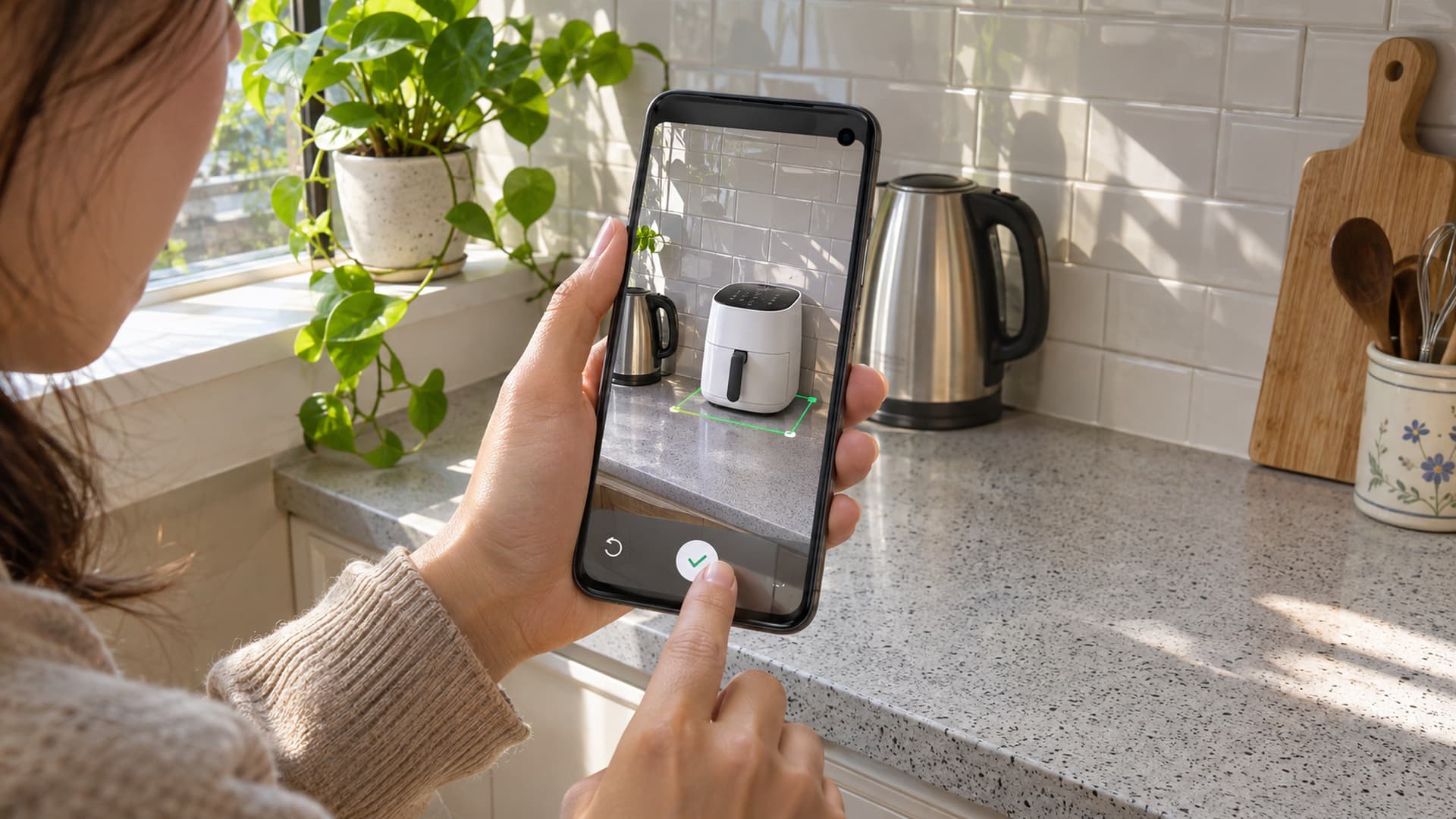
Android augmented reality is becoming a practical delivery option for more than one-off demonstrations. Organisations can use a supported phone or tablet to place a digital product in a real room, explore an instructional model or connect information to a physical location. The important business development is not that every device can now do everything. It is that teams have more choices about how to deliver a useful experience and more responsibility to test those choices properly.
Google's ARCore platform provides a foundation for many Android AR experiences. Its development documentation covers device tracking, environmental understanding, depth and location-based features. Those capabilities continue to evolve, but each project still depends on the phones in its audience, the environment and the way the application is distributed.
For a South African organisation considering an activation, product experience or training tool, the relevant question is therefore not simply “Can Android do AR?” It is “Can the people we need to reach complete this particular task on the devices and connections they actually use?”
The platform is broad, but compatibility is specific
Android includes devices from many manufacturers, at different price points and with different cameras, processors and operating system versions. This variety can be valuable for reach, but it makes broad claims about compatibility unreliable. A device that runs ordinary Android applications is not necessarily suitable for every ARCore feature.
Google maintains an ARCore supported device list, including model-specific notes and feature support. That list is a useful starting point for a project, not a substitute for testing the finished application. The business should identify a representative range of devices, including older or lower-powered models where they form a meaningful part of the audience.
The distinction matters in procurement. A proposal that promises an Android experience should state the supported operating systems, devices and essential features. It should also identify the fallback for a visitor who cannot run the AR feature. A 3D viewer, product image or short explanation may still help that person make a decision.
An internal project may have more control. If an organisation supplies and manages a set of tablets, the team can choose a smaller device range and test it thoroughly. A public campaign has to account for people arriving with their own phones, different permissions and different levels of familiarity with AR. Both can succeed, but the deployment plan should reflect the audience.
Depth can improve realism, with limits
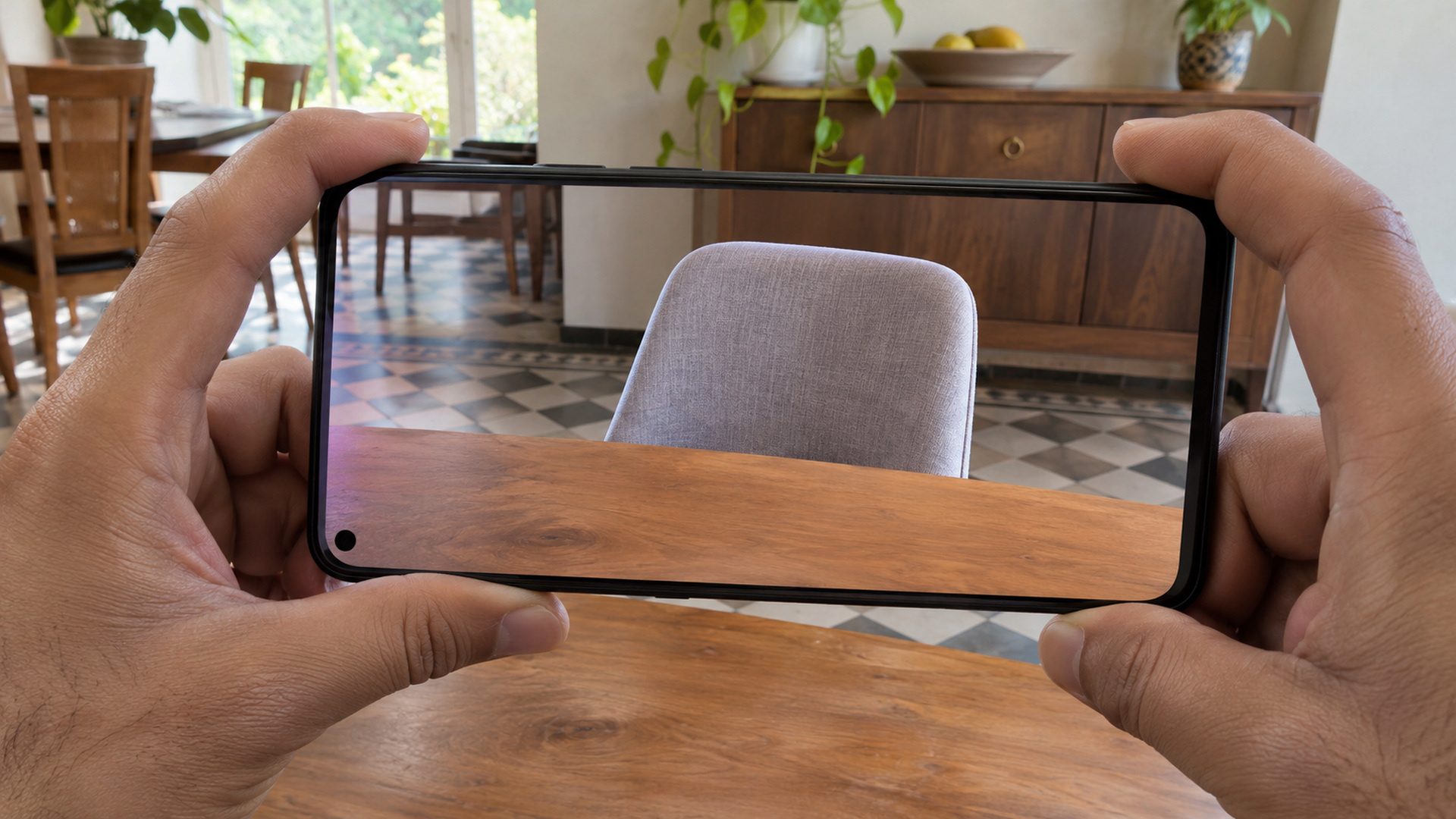
When a virtual chair appears behind the edge of a real table, the relationship is easier to understand than when the chair is drawn over everything in the camera view. This effect is called occlusion. It can make product visualisation and other spatial experiences more convincing because real and digital objects appear to occupy the same environment.
Google's Depth API documentation explains that depth support depends on device capability and that developers must enable it. A hardware depth sensor is not a universal requirement for every depth use, but the results and availability still depend on the supported device and conditions. A project should not promise perfect occlusion on every phone.
For a furniture preview, the relevant test is whether the user can understand where the object sits and whether it is presented at a meaningful scale. For a training visualisation, the team may need to show how a virtual component relates to physical equipment. In either case, test difficult situations as well as ideal ones: reflective surfaces, limited light, crowded spaces and devices without the optional feature.
Depth information is not an assurance of exact measurement. If a decision depends on a precise dimension, use an appropriate measuring and verification process. AR can help a user understand a proposal, while the business supplies product specifications and professional guidance where needed.
Location-based content needs site-specific evidence
Outdoor AR can place information in relation to a real location. This may be useful for a tourism route, a public exhibition or a site-specific demonstration. Google's Geospatial API combines location information and visual positioning to help relate digital content to the surrounding environment.
A business should distinguish a platform capability from coverage at a particular site. Google provides a way to check visual positioning availability, but the project also needs an on-site test of localisation, connectivity, device support and the user's route. A successful test at one location does not establish the same experience at another.
Consider changes to the environment. Construction, temporary structures, weather, crowds and access restrictions can affect how visitors use a site. A practical plan identifies who checks the experience before an event and what happens when the location cannot be established confidently. A map or conventional information page can offer a useful alternative.
Safety and privacy are part of the design. Users should be able to stop and look around rather than being encouraged to follow a phone screen across a road or through a hazardous area. If the experience uses location or cloud services, the team should explain the relevant permissions and data handling accurately, based on the actual implementation.
Entry points are becoming part of the product
An AR feature can be delivered through an app or reached from a webpage, depending on the experience and the technology selected. At an exhibition, a code next to a product can lead a visitor to a mobile experience. In retail, the entry point might be a product page. For an internal team, AR may sit inside an application employees already use.
The correct route depends on what happens next. A short visualisation may benefit from a simple link. A recurring workflow with accounts, content libraries and managed devices may justify an application. A browser-led experience still requires compatible devices and browsers; a dedicated app still needs a compelling reason for people to install it.
Google's ARCore development overview lists several development environments. That variety is useful, but it also means that the phrase “Android AR” does not describe a single fixed product. Ask the supplier to name the proposed approach, the supported devices and the limitations of the chosen entry point.
An effective first screen sets a clear expectation: what the user will see, why camera access is requested and how to begin. A person who declines permission should be able to leave or use an alternative without becoming stuck. In a busy venue, brief instructions and a visible reset option can be more valuable than an elaborate introductory sequence.
The 3D model is part of the service
A common misconception is that adding AR to a project only involves activating a camera feature. The experience also requires suitable content. A product model needs correct proportions, materials and orientation. An educational model must make the relevant structures understandable. A model intended for a phone must load and perform within the constraints of the target devices.
Existing CAD or high-resolution visualisation files may need work before they are suitable for mobile delivery. The goal is not simply to reduce the number of polygons. The team must preserve the details that support the user's decision while controlling file size and processing demands. A small label on an industrial component may be essential in one project and unnecessary in another.
An approval process should include both technical and subject-matter review. The business or educator checks the model's accuracy; the development team checks performance, placement and interaction; and representative users test whether they can understand the intended point. Product data and assets should be updated together when specifications change.
Ownership matters after the launch. Agree who holds the editable source, what third-party licences apply and who can commission updates. If the same model will be used in an app, a webpage and a presentation, plan those outputs rather than assuming a single file will suit every channel without adaptation.
What an Android AR brief should contain
A useful brief describes the business decision before it lists the technology. Identify the intended audience, the physical setting and the action the user should complete. Then describe the content and constraints needed to support that action.
For example, a product business might want a potential buyer to place a digital unit near existing furniture and request a specification sheet. The brief should include verified dimensions, available configurations, the devices the team expects to support and the source material for the model. It should also say whether the preview is intended as a general visual guide or part of a more detailed purchasing process.
An event team has a different set of questions. How much space is available? Will staff assist visitors? Is the network reliable when the venue is busy? Does the experience need to reset quickly between people? What happens if a visitor's phone cannot run the feature? These operational details can determine whether an otherwise attractive concept works on the day.
A training brief should identify the learning objective, the authoritative source of the instructions and the role of supervision. AR may help illustrate components or sequence, but it should not be presented as a guarantee of competence. The organisation should retain its normal procedures and assess learning with a method appropriate to the task.
Testing should reflect the real journey
A technical demonstration on a single device proves only that a particular build worked under particular conditions. A production test should cover the whole user journey: finding the link or opening the app, granting or declining permissions, loading content, placing or inspecting it, completing the next action and recovering from an interruption.
Test with people who have not seen the design before. Observe where they hesitate and whether they understand what is real and what is virtual. A participant should be able to distinguish a visual estimate from a verified measurement. If the experience includes a safety-related instruction, have the responsible subject expert review the wording and the presentation.
Include practical technical checks: performance after several minutes, device temperature, asset download time, orientation, tracking under different light conditions and behaviour after the user switches applications. Test a representative network, not just a fast office connection. Document the result by device and app version so that later changes can be assessed.
The fallback is part of the test. A 3D preview that opens when AR is unavailable is useful only if the user can find and operate it. Similarly, a restart button should return the person to a clear state rather than leaving an old model in the wrong position. Testing failure conditions is a way to protect the user's confidence.
Measure the outcome, not the novelty
A public AR interaction can create useful engagement, but a scan count alone says little about business value. Choose measures that follow the intended action: product options viewed, enquiries started, information requested or a learning assessment completed. Interpret those measures in context and avoid claiming that an interaction caused a sale or learning improvement without appropriate evidence.
Analytics should be proportionate. Decide which events are needed, whether they are linked to a person, where they are stored and how long they remain available. Camera and location functions may introduce additional data considerations depending on the design. The organisation responsible for the experience should ensure its notices and processes reflect what the system actually does.
A pilot can provide a useful baseline. If people abandon the journey before the model loads, examine download size and connectivity. If they place the object but do not progress, ask whether the next action is clear and useful. Combine quantitative events with observation and feedback; numbers can show where people stop, but not always why.
Plan the next step with a realistic scope
Current Android AR tools make it possible to connect digital content with physical surroundings in several ways. Their value depends on the quality of the model, the relevance of the interaction and the reliability of delivery to the intended audience. No single feature removes the need to test devices, conditions and the complete user journey.
Start with one use case and a small set of measurable questions. A focused prototype can establish whether the experience is understandable and technically viable before the business expands its scope. Agree in advance who owns the content, how the production version will be maintained and what evidence will support the decision to proceed.
For help exploring an appropriate solution, see our Android augmented reality service or contact our team.